To turn Instagram followers into paid calls, put your call link first in your bio with one line about what a call is for, post a story with the link shortly before you go online, keep a "Call me" highlight, mention the link in captions, and answer long DMs with a friendly invitation to call. Your followers already want your attention; Instagram just needs to show them they can have it.
On this page12
- Why do Instagram followers make good callers?
- Step 1: What should your Instagram bio say?
- Step 2: How do you use stories?
- Step 3: Why save a "Call me" highlight?
- Step 4: How do you mention it in posts and reels?
- Step 5: How do you answer DMs without giving everything away?
- Step 6: What about broadcast channels and Close Friends?
- How often should you mention your link?
- What should you post? Seven ideas that lead to calls
- How do you know it's working?
- Which Instagram mistakes cost you calls?
- The short version
Why do Instagram followers make good callers?
Because they already talk to you. They reply to stories, react, ask questions under posts and slide into your DMs with the same three questions every week. That is demand. Today you either answer it for free, in fragments, or not at all. A paid call page such as hello.fan gives the people who want more of you a proper way to get it — by video, voice or text chat, paid by the minute.
Step 1: What should your Instagram bio say?
Instagram lets you add links to your profile. Put hello.fan/yourname first, and make the bio text above it say what a call is for. Some examples:
- "Styling questions? Call me live ↓"
- "Spanish practice with me — 5 minutes or 50 ↓"
- "Ask me anything, live. Video, voice or chat ↓"
Keep it human. "Talk to me" is warmer than "book a consultation", and a promise is better than a price.
Step 2: How do you use stories?
Stories are where your most engaged followers spend time with you, and they disappear — which makes them perfect for "I'm here now" moments.
- Post a story with a link 30–60 minutes before your online window: "Taking calls tonight 8–10. Link below."
- Post again when you go online: "On now for the next hour."
- Use a question box during the day, then answer one question on a story and add: "Want the long version? Call me tonight."
You don't have to design anything. The Promote kit in your hello.fan dashboard has ready-made stories, posts, covers and videos that already carry your link.
Step 3: Why save a "Call me" highlight?
New followers look at your highlights to decide who you are. A highlight called "Call me" or "Talk to me" with three stories — what a call is for, how it works, when you're online — answers the question before anyone has to ask. Update it when your hours change.
Step 4: How do you mention it in posts and reels?
Don't turn every post into an ad. Once or twice a week, end a caption with a natural line:
- "I go deeper on this on calls — link in bio."
- "Got a question about your own routine? I'm online Thursday evening."
Then pin a comment with the same line under your best-performing reel. People who watched to the end are your warmest audience.
Step 5: How do you answer DMs without giving everything away?
When a DM is really a request for a conversation, answer briefly and offer the call:
- "Love this question! It's too big for a DM — I'm online tonight if you want to talk it through. Voice or chat is fine if you'd rather not be on camera."
- "Short answer: yes. Long answer is a five-minute call — link's in my bio."
Be consistent and kind. You're not refusing to help; you're offering the format where you can help properly. If you're offline, a fan can send you a 10-credit Icebreaker on hello.fan, and you answer once when you're back.
Step 6: What about broadcast channels and Close Friends?
If you use a broadcast channel or a Close Friends list, treat them as your inner circle. Tell them first when you open new hours, and give them the specific reason to call this week ("I'm reviewing outfits for spring events tonight"). Smaller, warmer audiences call more often than big, cold ones.
How often should you mention your link?
More often than feels comfortable, less often than an advert. A rhythm that works for many creators: the link in your bio all the time, a story on every day you're online, a caption mention once or twice a week, and a fresh reminder of your hours every Monday. Followers don't see everything you post; most of them will miss the first three mentions. If one of them asks "wait, you take calls?", you haven't said it too often yet.
If you post in more than one language, say the line in each — and remind people that calls can carry live translated subtitles, so they don't need to share yours.
What should you post? Seven ideas that lead to calls
- A question a follower asked, answered in 30 seconds — "full answer on a call".
- "Three things people call me for" as a carousel.
- Your weekly hours as a simple story every Monday.
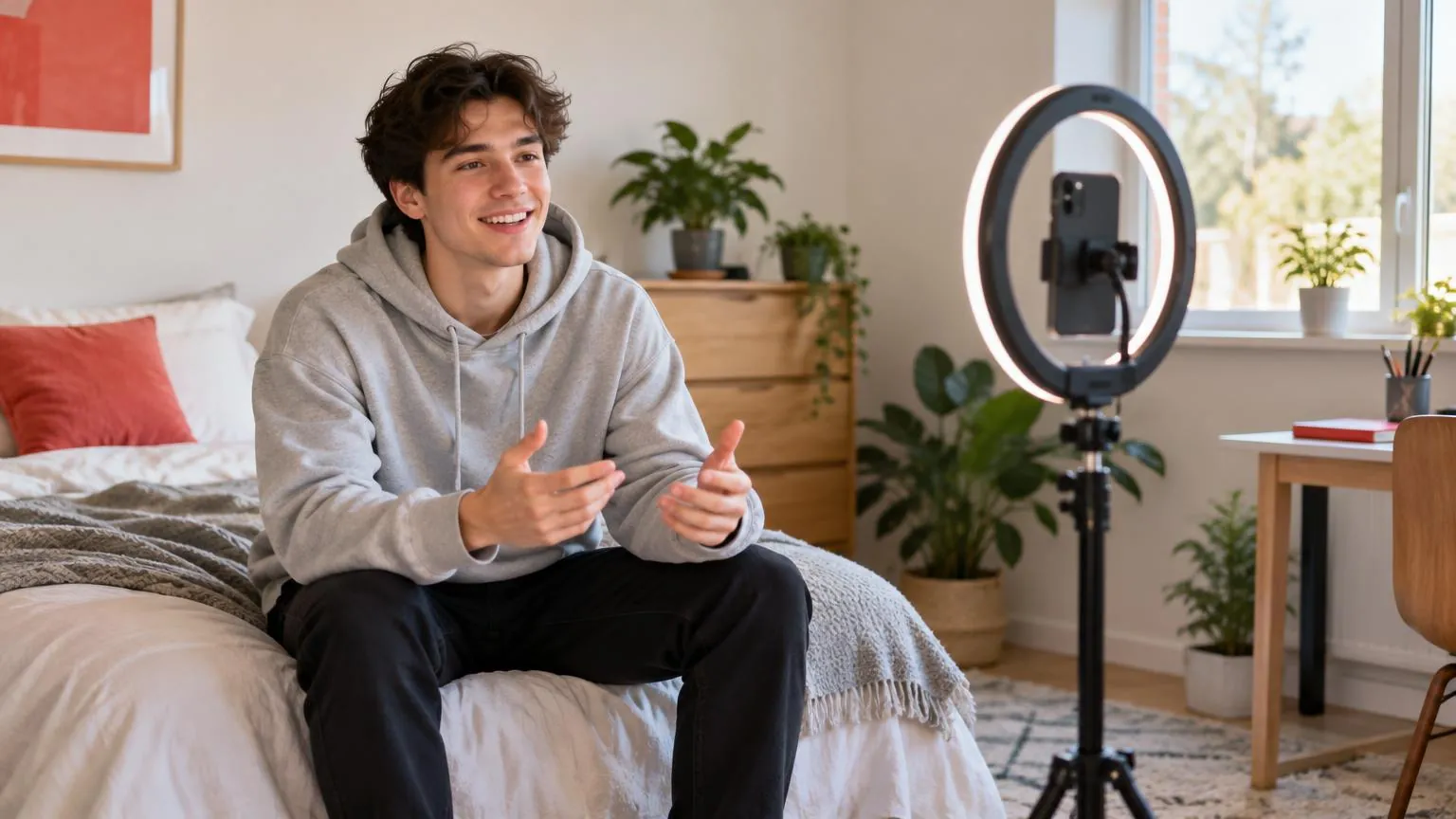
- A behind-the-scenes look at your setup before a call window (never show a caller or their screen).
- A poll: "What should tonight's calls be about?"
- "I can talk to you in your language" — live translated subtitles cover 30 languages.
- A thank-you story after a busy evening of calls, with your next online time.
How do you know it's working?
"Your link at work" in your hello.fan dashboard shows the visits that came from your link and where they came from, so you can see whether your bio, a story or a reel caption actually sends people. Change one thing at a time — the bio line, the story timing, the hours — and watch the visits.
Which Instagram mistakes cost you calls?
- A link buried in a link page with ten other buttons.
- Announcing calls with no time. "Call me sometime" never works; "tonight 8–10" does.
- Moving people to another app to talk. You lose billing, privacy and the safety tools.
- Only posting the link when you're already online. Give people a little notice.
The short version
Bio link with a promise, a story before you go online, a "Call me" highlight, a line in captions and a kind DM reply. Fans pay only while you're connected, ringing is free, and creators keep up to 70% of what fans pay with no monthly fee. For the wider playbook see your link in bio can pay you and the page for influencers.